TinyWow
A versatile online tool offering free file conversions, PDF editing, image manipulation, and various document-related services.
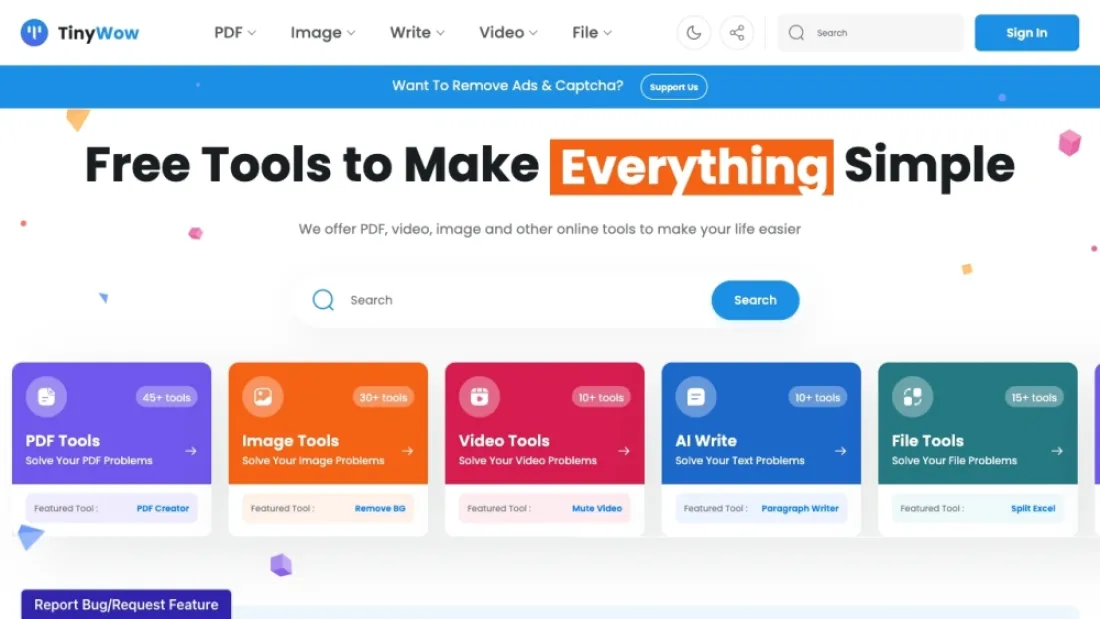
What is TinyWow?
This online platform offers a variety of free tools designed to simplify everyday digital tasks. Users can convert, edit, and manage files in multiple formats, including PDFs, images, videos, and documents. The site features user-friendly interfaces for merging, splitting, compressing, and converting files, making it accessible even for those with limited technical skills. Additionally, it provides tools for extracting text from images, creating QR codes, and performing other useful tasks. With no need for downloads or installations, this web-based service ensures quick and efficient processing, saving users time and effort in handling their digital content.
TinyWow Use Cases
For Students
Quickly convert PDF lecture notes to editable Word documents for easy annotation and study.
Quickly convert PDF lecture notes to editable Word documents for easy annotation and study.
For Writers
Effortlessly merge multiple text files into a single document to streamline your writing process.
Effortlessly merge multiple text files into a single document to streamline your writing process.
For Business Professionals
Compress large PDF reports to meet email attachment size limits without losing quality.
Compress large PDF reports to meet email attachment size limits without losing quality.
For Designers
Convert images to different formats to ensure compatibility across various design software.
Convert images to different formats to ensure compatibility across various design software.
For Educators
Create fillable PDF forms for quizzes and assignments to facilitate easy distribution and grading.
Create fillable PDF forms for quizzes and assignments to facilitate easy distribution and grading.
Who is Using TinyWow?
Used by a wide range of users, including:
Writer: This service can streamline the writing process by converting various file formats, merging documents, and compressing files, making it easier to manage and organize written content efficiently.
Designer: Designers can use this tool to convert, resize, and optimize images and PDFs, ensuring their design files are in the right format and size for presentations and client reviews.
Photographer: Photographers can benefit from this service by converting and compressing image files, making it simpler to share high-quality photos with clients without compromising on resolution.
Videographer: This tool helps videographers by converting video formats, compressing large video files, and merging multiple clips, facilitating easier file management and sharing with clients.
Content Marketing Specialist: Content marketers can enhance their workflow by converting and merging documents, resizing images, and compressing files, making it easier to create and distribute engaging content across various platforms.
Geography
Top 5 Traffic Countries
USA
12.65%
India
10.10%
China
4.59%
Turkey
4.21%
Brazil
4.17%
Visitors
Traffic Trends by last monthes
Over the past three months, the website has seen significant traffic from the top five countries, reflecting its growing global popularity. The site's analytics show a stable and engaged user base, with notable peaks in traffic during marketing campaigns and new feature releases.
The graph of website traffic over this period highlights trends and fluctuations, with a steady increase in visits and occasional spikes linked to promotional events. This growth indicates positive user reception and increasing reliance on the site's tools and services.
Overall, the strong performance metrics suggest successful market expansion and enhanced international visibility.
The graph of website traffic over this period highlights trends and fluctuations, with a steady increase in visits and occasional spikes linked to promotional events. This growth indicates positive user reception and increasing reliance on the site's tools and services.
Overall, the strong performance metrics suggest successful market expansion and enhanced international visibility.
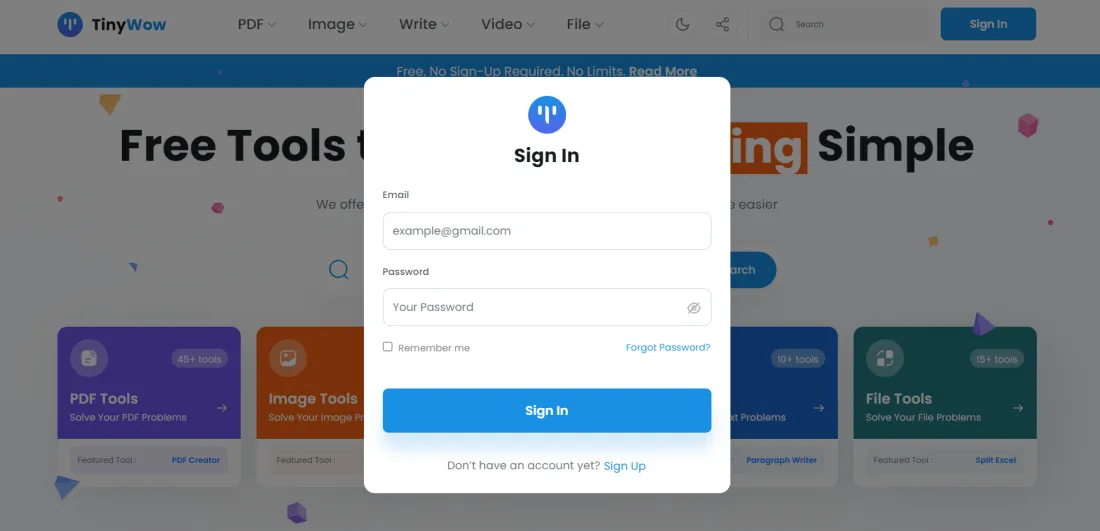
TinyWow Login
How to login, register or sign up/sign in?
Click the button below and follow the website
Log In
Click the button below and follow the website
TinyWow Key Features
#1
Free online file conversion tools
#2
PDF to Word and vice versa
#3
Image and video editing capabilities
#4
File compression and decompression
#5
User-friendly and intuitive interface
FAQ
What is TinyWow?
TinyWow is an online platform offering a variety of free tools to help you with tasks such as converting files, editing PDFs, and more.
Is TinyWow free to use?
Yes, all the tools on TinyWow are completely free to use.
Do I need to create an account to use TinyWow?
No, you do not need to create an account. All tools are accessible without any registration.
What types of files can I convert using TinyWow?
TinyWow supports a wide range of file conversions including PDF, Word, Excel, and image formats.
Is it safe to upload my files to TinyWow?
Yes, TinyWow takes your privacy seriously and ensures that all uploaded files are deleted after a short period of time.